文章:
Learn how to send a webhook to KeyCRM, separating the application and payment data for better organization and streamlined processing.
如果你需要在 KeyCRM 中添加联系人时将“申请”和“付款”步骤分开,那么在提交 CTA 表单时,请设置自动化以创建联系人/标签,或发送 webhook 来创建客户
https://docs.keycrm.app/#/Buyer/createNewBuyer

方法 POST
https://openapi.keycrm.app/v1/buyer
以及数据(key = value):
{
"full_name": "{contact.name}",
"email": ["{contact.email}"],
"phone": ["{contact.phone}"]
}
可传递的其他字段可在文档中找到。如果你不确定这里应使用哪个变量,请联系支持团队。
然后为订单付款设置某个事件,以发送订单
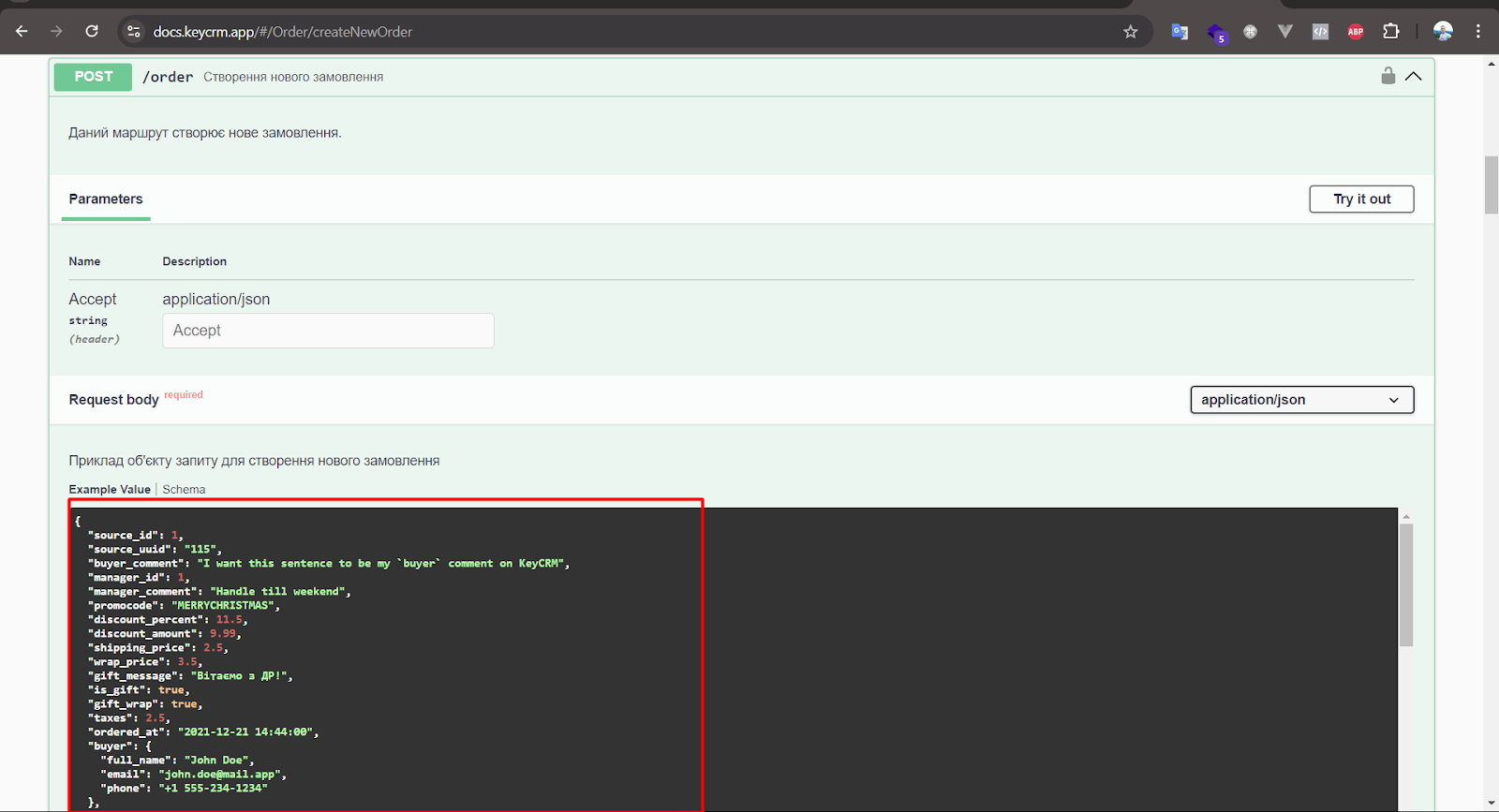
https://docs.keycrm.app/#/Order/createNewOrder
方法 POST
https://openapi.keycrm.app/v1/order
在 source_id 中,指定所需来源。获取方式见下文。
{
"source_id": 111,
"buyer": {
"full_name": "{contact.name}",
"email": "{contact.email}",
"phone": "{contact.phone}"
},
"products": [
{
"title": "{order.title}",
"price": "{order.price}",
"purchased_price": "{order.price_discounted}"
}
]
}

在 KeyCRM 中获取 source_id。
前往“设置”-“来源”。添加一个新来源,之后你就可以在来源总列表中获取所需的 ID。


---
!重要:你需要在两个请求中都添加授权头
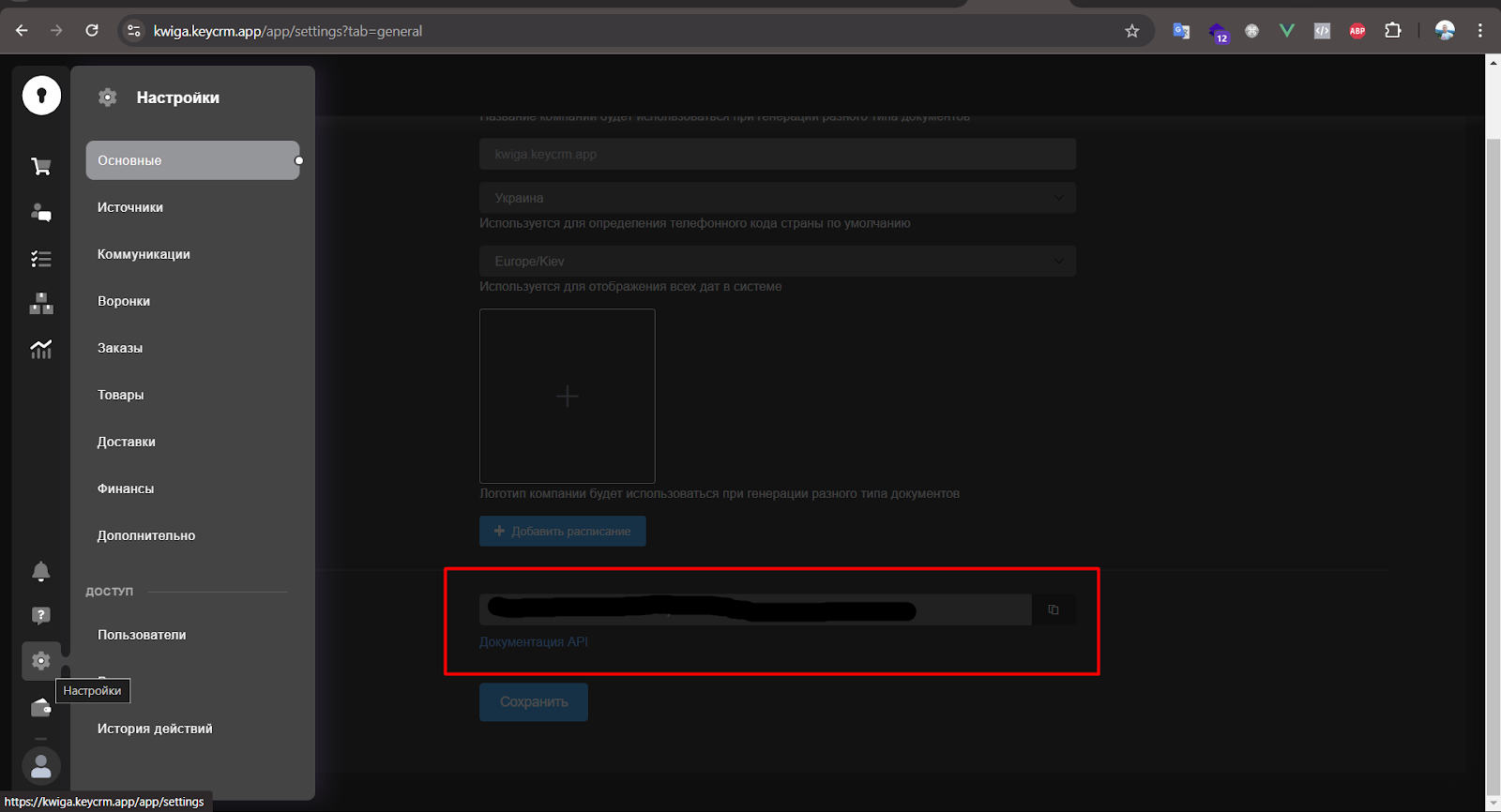
首先,在 KeyCRM 中前往“设置” -> “常规” -> “API 密钥”,创建它,然后将其复制
在 webhooks 中,于 Headers 选项卡添加以下请求头
Authorization = Bearer {key from key crm}