文章:
- 如何创建电子邮件营销活动
- How to segment an audience and launch a mailing list by segment
- How to find a system (service) email and edit it
- How to add emails from the file to campaign
- How to schedule an email for the first day of the course
- Mailing with a link to the Zoom lesson
- How to add a video to an email
- 事务性电子邮件:如何跟踪消息是否已送达
- 如何设置邮件链
- 如何设置产品访问即将到期的提醒邮件
10 个月前 •
已更新
We will show you where system (service) emails are located and how to edit them.
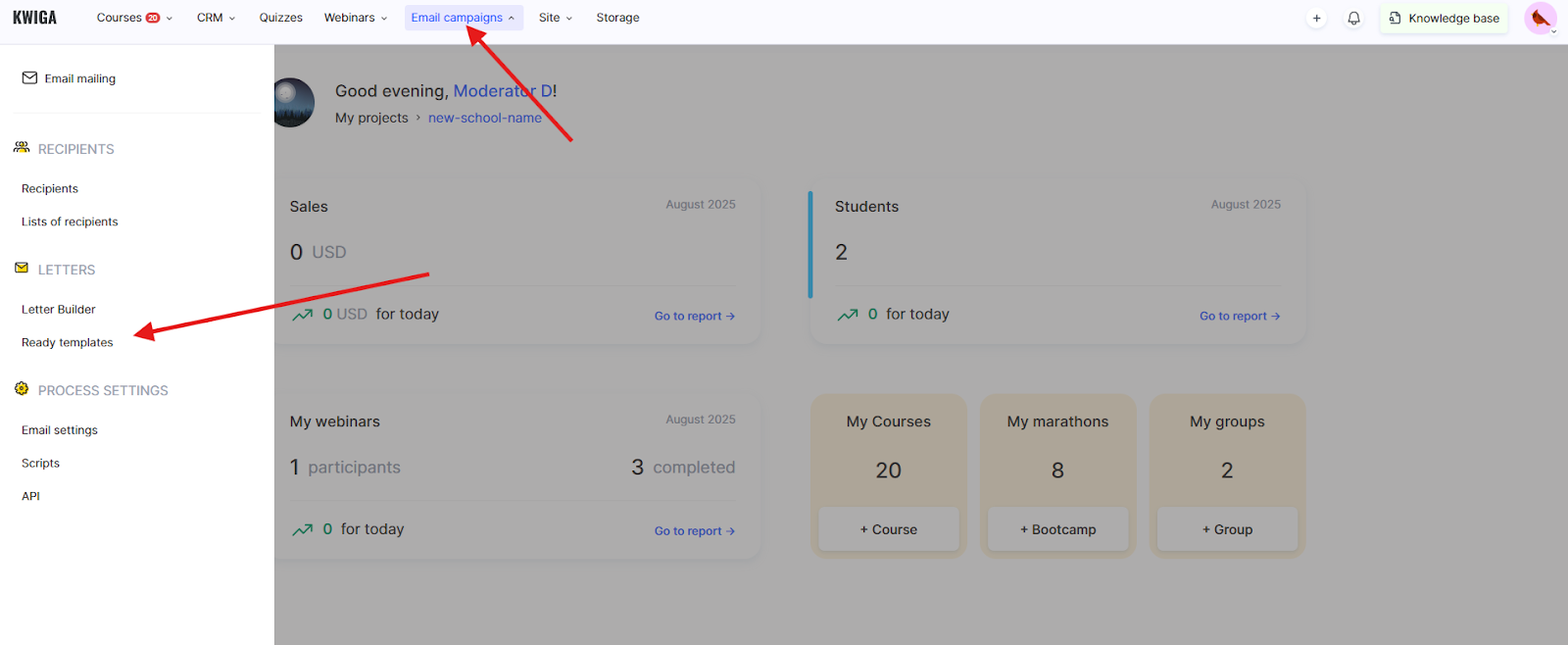
点击顶部菜单中的“所有解决方案”按钮,选择“电子邮件群发”,然后选择“电子邮件模板”。
根据您从哪个设备或平台版块打开该页面,“所有解决方案”按钮可能会以简化形式显示:
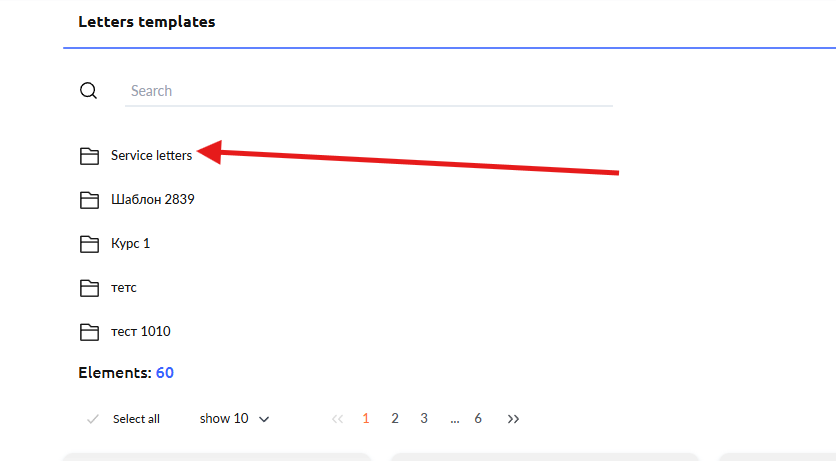
在打开的页面中,您会看到“服务邮件”文件夹,点击它。您将看到发送给学员的各种通知列表。在搜索字段中,您可以输入模板名称,并在搜索结果中看到所需模板。在三点菜单中,您会找到“编辑”选项,点击后将进入邮件编辑器。
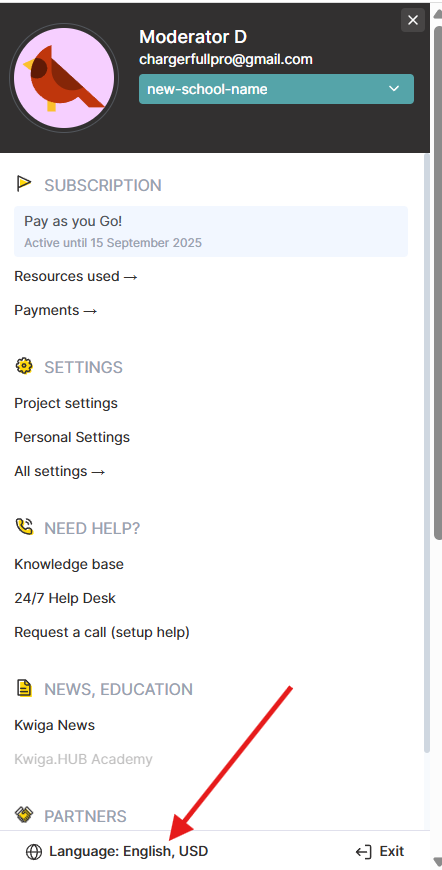
请注意: 每封邮件都有多个语言版本。要编辑邮件的乌克兰语版本,请确保平台界面处于乌克兰语。如果您想编辑邮件的波兰语版本,请将平台界面切换为波兰语。您可以点击您的头像并选择“语言:....”来更改语言。