
Articles:
- Data export to Google Sheets
- Connecting the FB Pixel to a project on Kwiga
- Sending a webhook to transfer data to another service
- Zoom integration and usage essentials
- Generating payment links with pre-filled data
- Handling a button click in the widget
- Sending a webhook to KeyCRM with separation of the application and payment.
- Connecting chat services to a Kwiga project
We will explain how you can simplify the registration process for clients before payment if you already have their information.
If you create a chatbot or use a CRM that already contains some of the students' registration data, these parameters can be passed in the payment link. This will reduce the time a student spends on registration and avoid filling in these fields.
To do this, you can add the following parameters to your account link: phone number and email address, for example:
https://sampleschool.kwiga.com/?tel=380632610023&email=someemail13@gmail.com&action=login
In this case, when the page opens, the student will immediately see their email address:
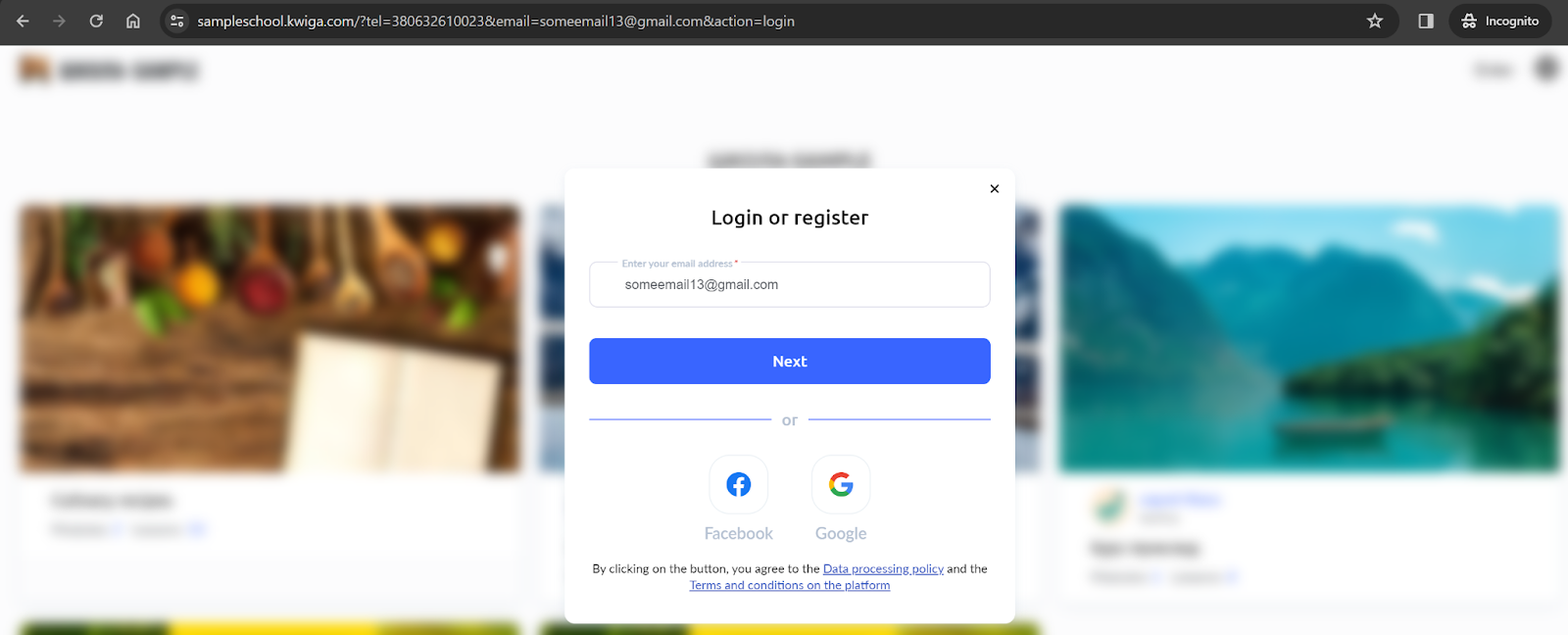
And on the second step, they will see their phone number if this field is enabled in the registration fields for your account.
Similarly, you can create links for
-
a product (using the public link to the course or bootcamp) https://sampleschool.kwiga.com/courses/primer-kakogo-to-kursa?tel=380632610023&email=someemail13@gmail.com&action=login
-
Displaying all offers for the product: https://sampleschool.kwiga.com/products/195?tel=380632610023&email=someemail13@gmail.com&action=login
-
Displaying a specific offer (using the public link to the offer) https://sampleschool.kwiga.com/o/eY3lKr2bBRgk?tel=380632610023&email=someemail13@gmail.com&action=login
Didn't find the answer? Contact the support service via online chat or Telegram