Tracking students who stopped taking an online course: the Dropped out mark shows who has done nothing in the course for a while and has not finished it. A school sees these students in the course participants list and can send them a reminder automatically.
When a student counts as dropped out
Course progress is below 100%, access is open, and for the set number of days the student has taken no target actions: opening a lesson or watching a video, completing homework or a test, a comment in the course, a message in the course chat. The period counts from the last action, from access opening and from unfreezing. A student with frozen or closed access does not count as dropped out, nor does one who has finished everything open and is waiting for the next scheduled lesson.
Set the number of days in the course settings, on the Education tab: the Inactivity criterion (dropped out) block, the Days without activity field — from 1 to 365, 14 by default.

In course participants
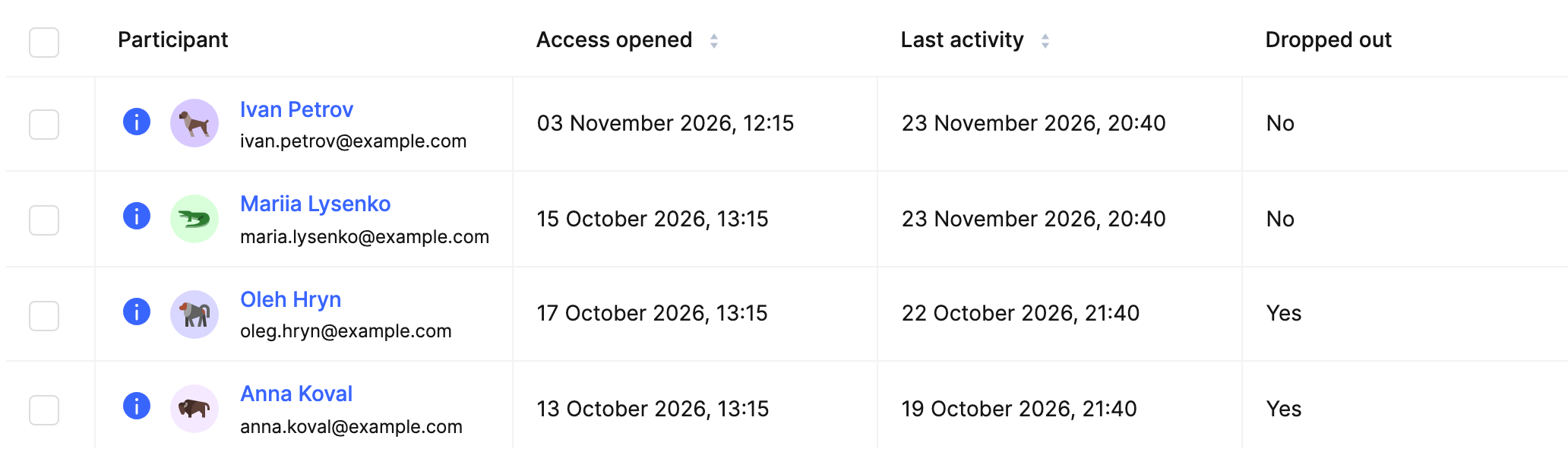
A Dropped out column with Yes or No and a filter with the same name: pick out students who dropped out and, for example, export them. The participants export has the same field.
In automations
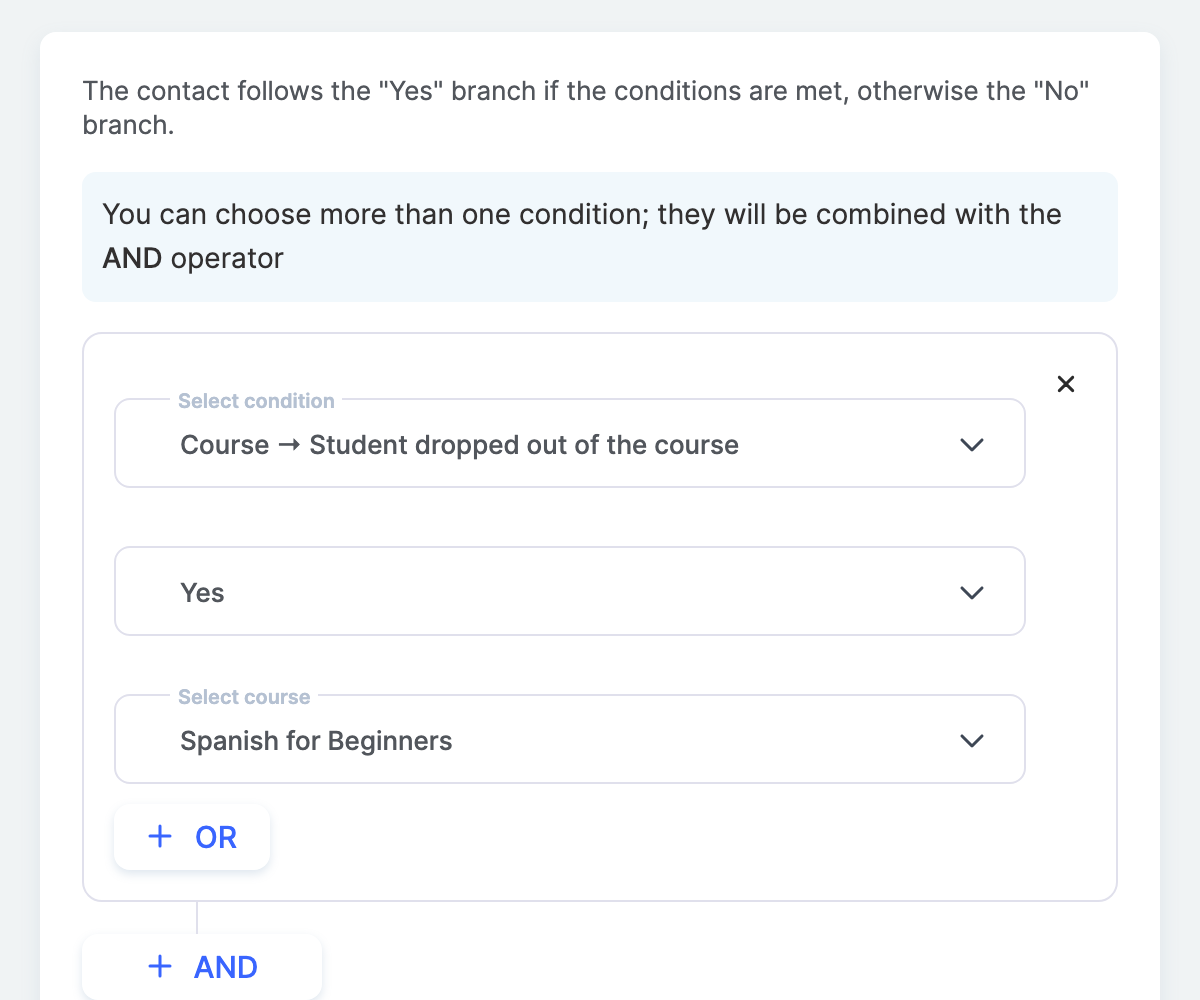
The Student dropped out of the course condition (Yes / No, for a chosen course) works in automations: for example, send an email to a student who has not opened a lesson for two weeks.