
Articles:
- Homework
- Tests and grading
- Multiple open-ended questions in one assignment
- Fill in the blanks: insert the missing word
- Matching
- How to set up a test so that the student can view their answers
- Enter the word
- List and multi-list
- Form a sentence from words
- Fill in the table (option to fill in the blanks)
- How to Organize Technical Support for Course Participants
- How to Create an MMPI Psychological Questionnaire
- General Information about Quizzes: Creating and Organizing Practical Tasks, Surveys
- Creating and Configuring Style Templates for Quizzes
- Quiz Result Recalculation
- Quiz Randomizer: Creating Dynamic Tests
- How to Export Quiz Responses to a Separate File
- Quizzes, Practices: Question Types
- Practice settings (opening, closing)
- Quiz Setup
Matching words with their translations, words or phrases with images, or sorting words and statements into categories.
Using the matching question allows you to create several game-based task formats:
-
Matching an original word with its translation, a term with its meaning
-
Matching an image, audio file, or video with a description or explanation
-
Word categorization: sorting words and phrases into groups and categories.
Matching a word with an explanation, an image with a description
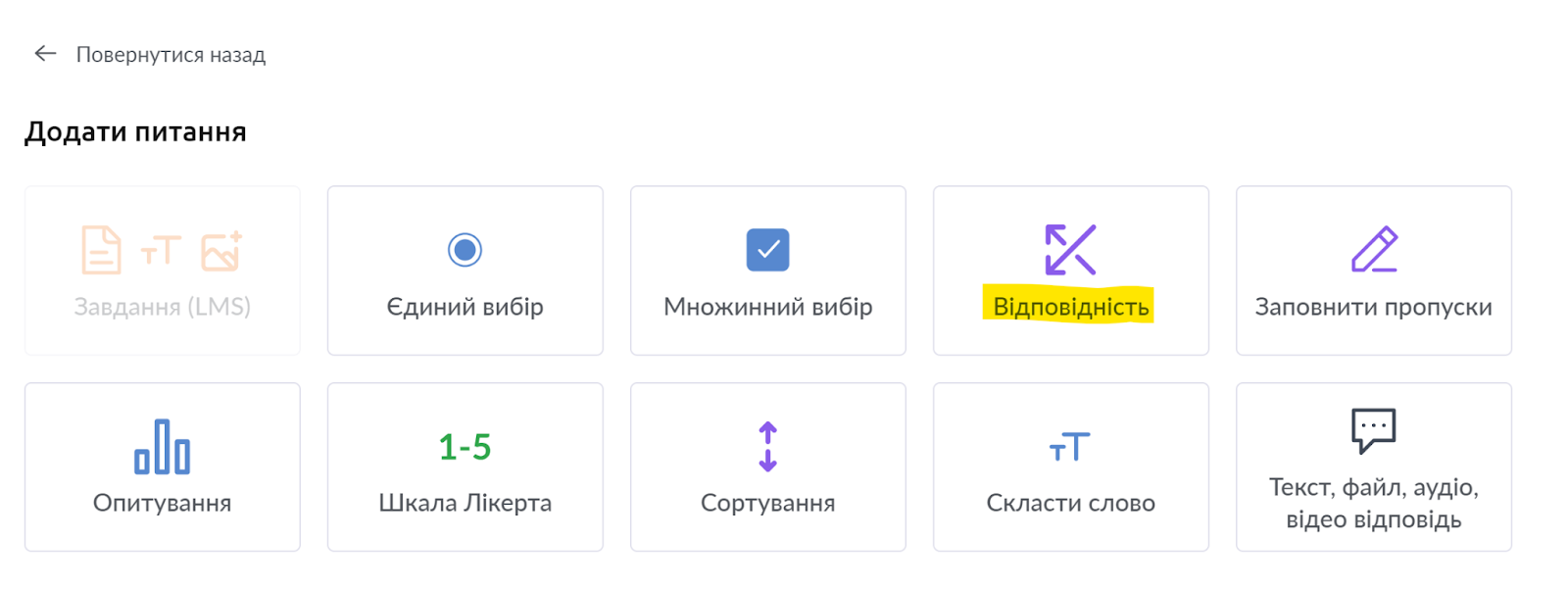
Create a quiz or open a quiz where you need to add a matching question. Add a question of the appropriate type - Matching:
In the new question, you can add the question text itself, and in the statements section, a word and translation or a word and its definition. See more examples in the video:
Examples of tasks shown in the video are posted in the lesson: https://sampleschool.kwiga.com/courses/new-course/conformity
Sorting words by categories
Create a quiz or open a quiz where you need to add a matching question. Add a question of the appropriate type - Matching. In the new question, specify the task itself (what students need to do), and then enter the category name. Using the Add answer button, add the required number of words (phrases) that match this category, and fill in the answers.
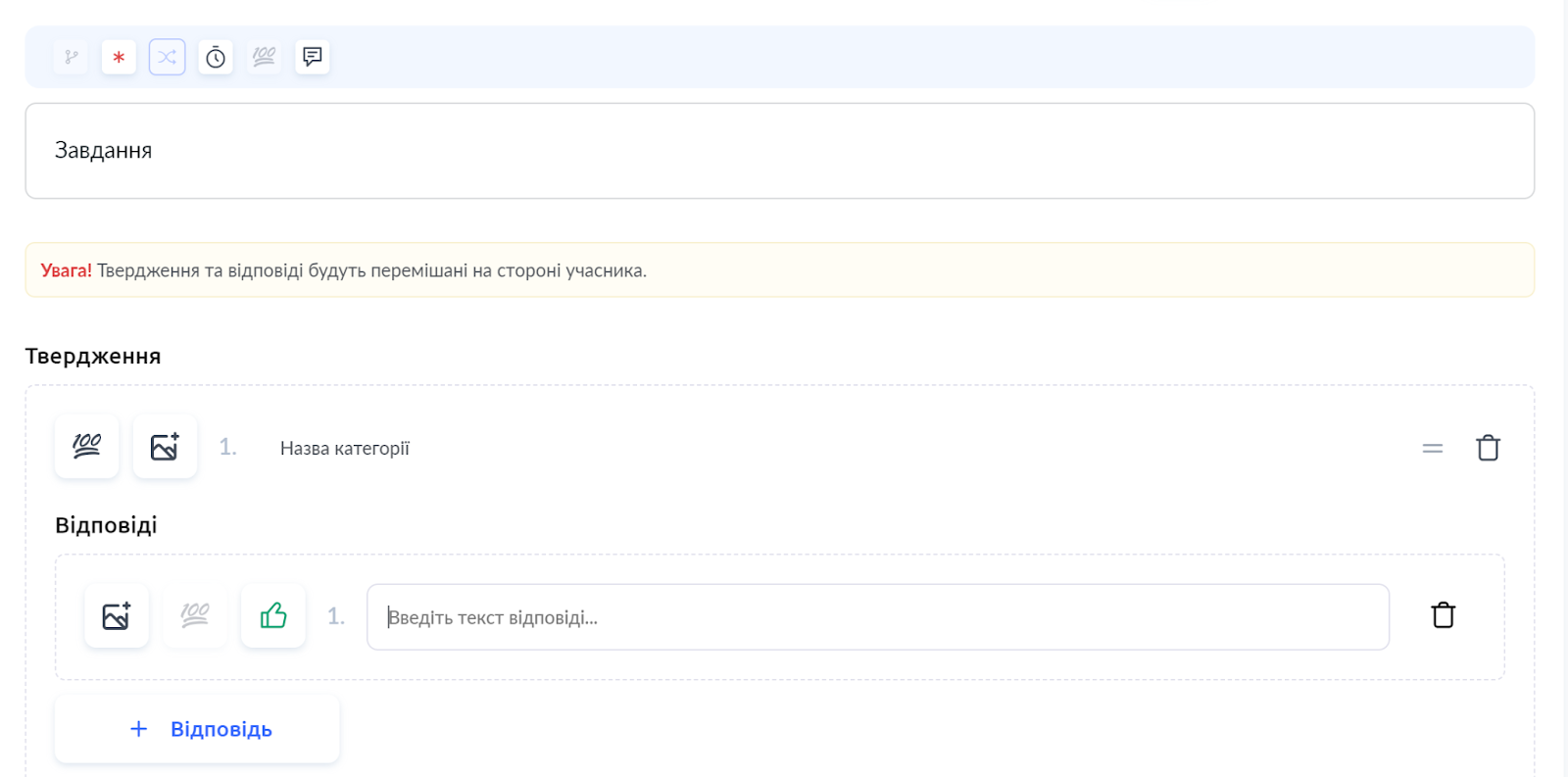
To add a new category, use the + Statement button.
Examples of tasks shown in the video are posted in the lesson: https://sampleschool.kwiga.com/courses/new-course/conformity
Didn't find the answer? Contact the support service via online chat or Telegram