
Articles:
- How to give access to the course
- How to access a student's account
- How to view member progress
- How to Create a Certificate and Add It to a Course
- Automation: Awarding points upon completing lessons
- Conducting surveys (reactions, ratings, NPS)
- How to view all test attempts
- How to set up a test retake
- How to update a student's rate and keep their progress
- How to change access settings for a single student
- How to change the expiration date of the course
- The student entered wrong email
- How to extend access to a course
- Automation: Setting up reminders if a student does not log into the platform
- How to unblock a user
- Freezing and unfreezing access to a product
- How to find an email with a code needed to access Kwiga account
- Viewing the course as a student
- Pre-registration or waiting list.
- Importing and transferring the student database
- Comments: a convenient tool for user interaction
- Certificate Issuance After Passing a Test
- How an Expert Can Access Their Student Profile
- Student Registration and Authorization
- Certificates Report
- Manual issuance and reissuance of a certificate
- Managing products in a contact card: adding, closing, changing the date, and removing access
What is pre-registration, how students get on the pre-registration list, and how it can be used.
Usually, a course landing page has a Get access button
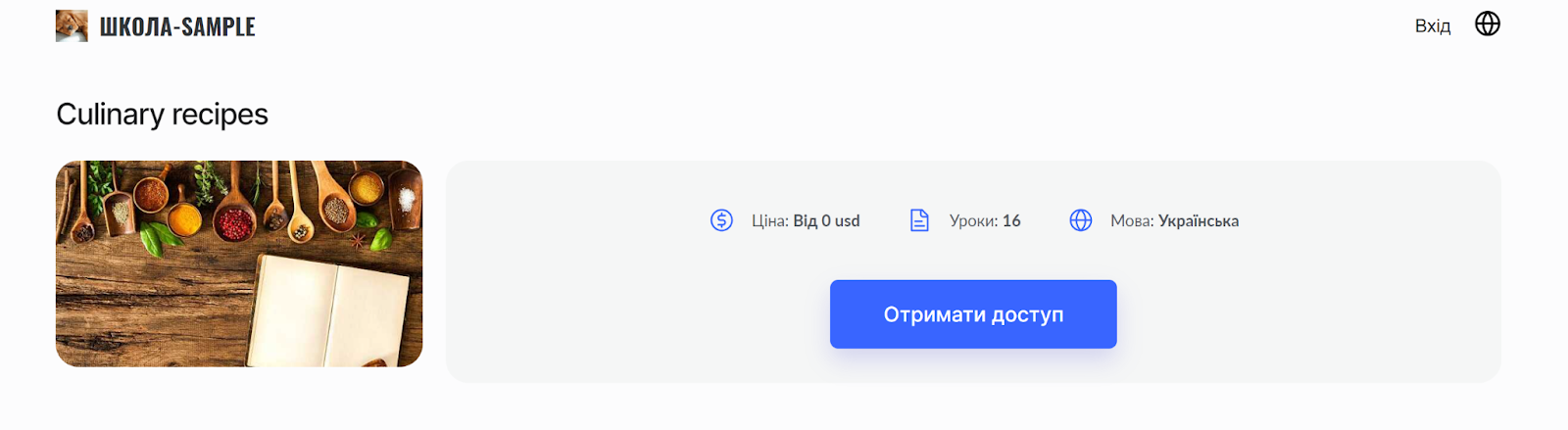
However, if there is no option to purchase the course on the platform, the Get access button changes to the Pre-registration button:
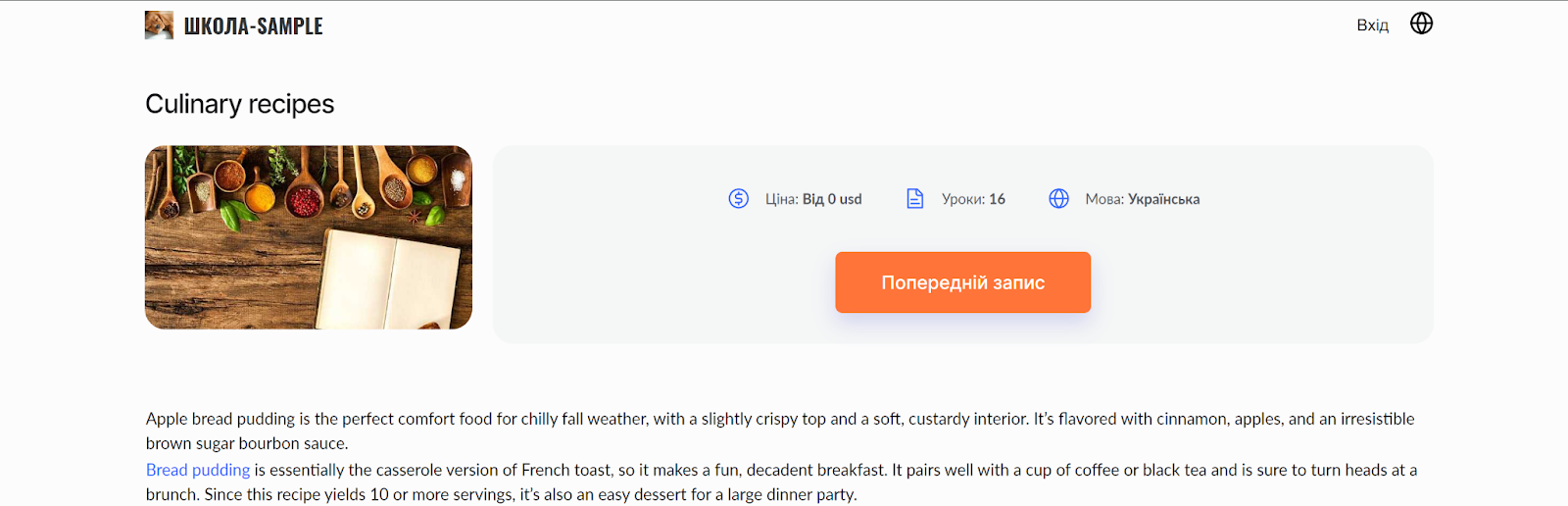
This could have happened for one of the following reasons:
-
The course (or bootcamp) has no published offers
-
The course (or bootcamp) has published offers (plans), but they have expired (or are not yet active), or you have set a sales limit and it has been reached – meaning there is no option to pay for participation.
-
The course (or bootcamp) has no price or linked offer (plan).
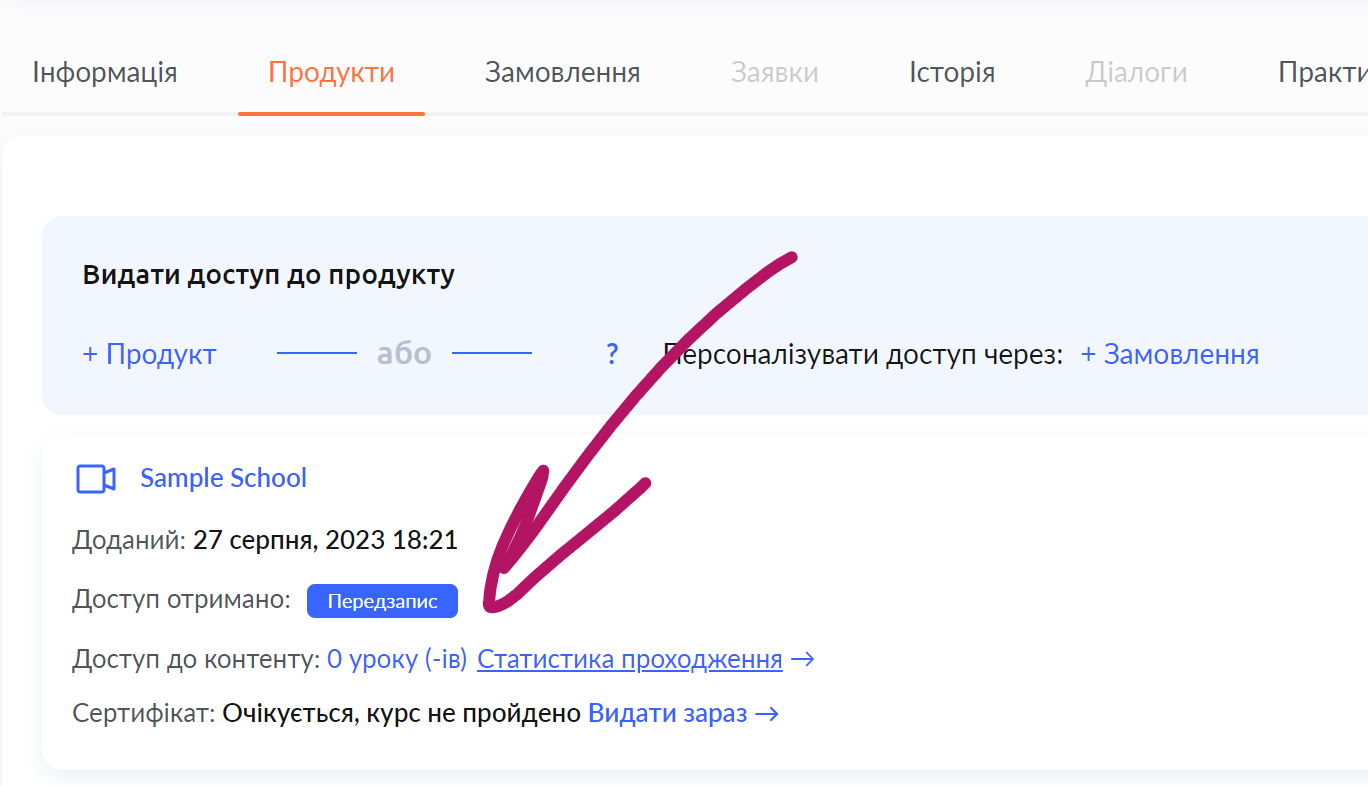
When the client clicks the Pre-registration button, they will be prompted to sign up, their contact details will be added to the CRM (the contact list on the platform), and you will also see this client in the list of course (bootcamp) participants marked as Pre-registration.

In the contact card itself, on the Products tab, you can see that the client does not have access to the course (access to 0 lessons), and access was obtained through Pre-registration.
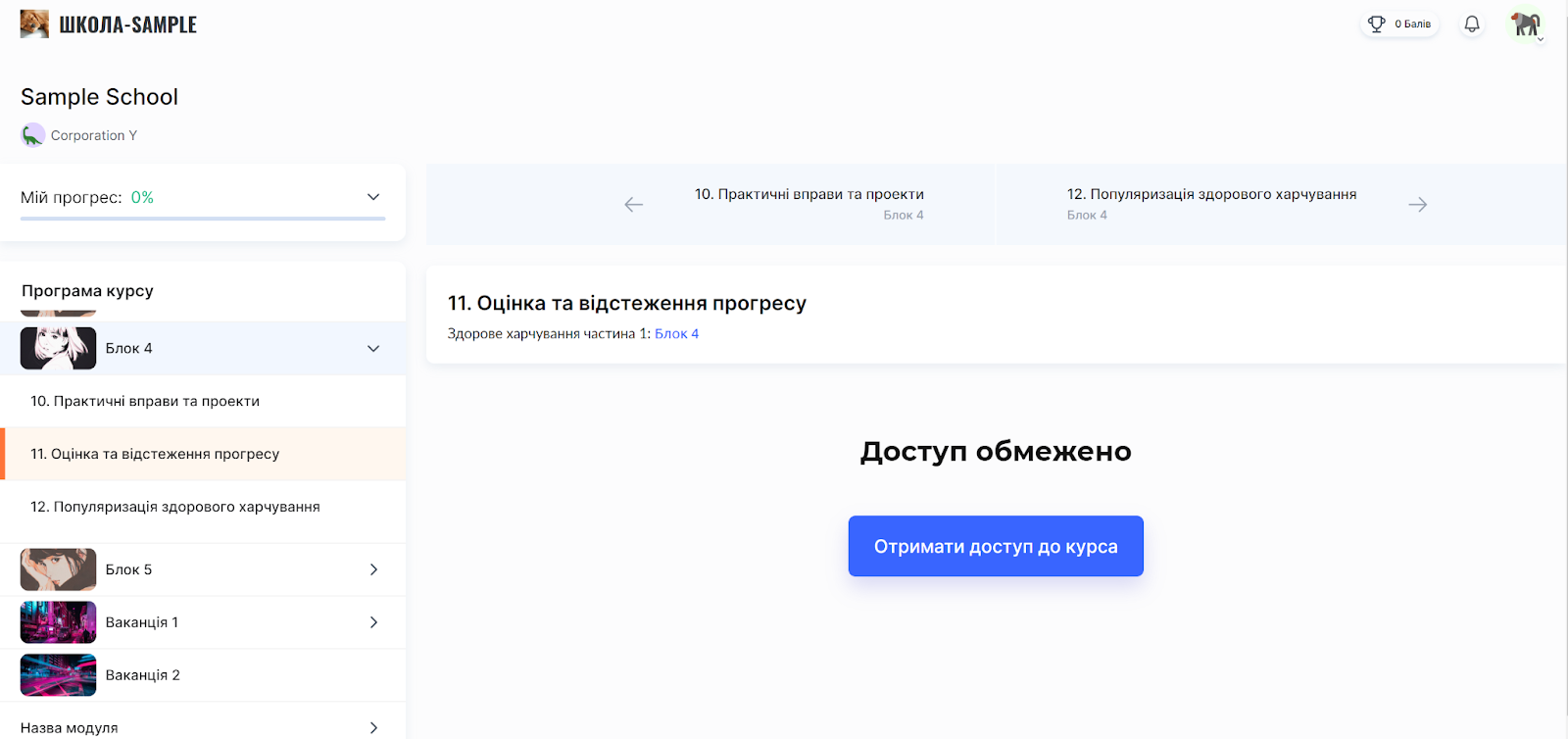
What the client sees in the course (bootcamp) while being on the pre-registration list:
The student will receive an email saying that they have been added to the pre-registration list (To the participant: You have been added to the pre-registration list)
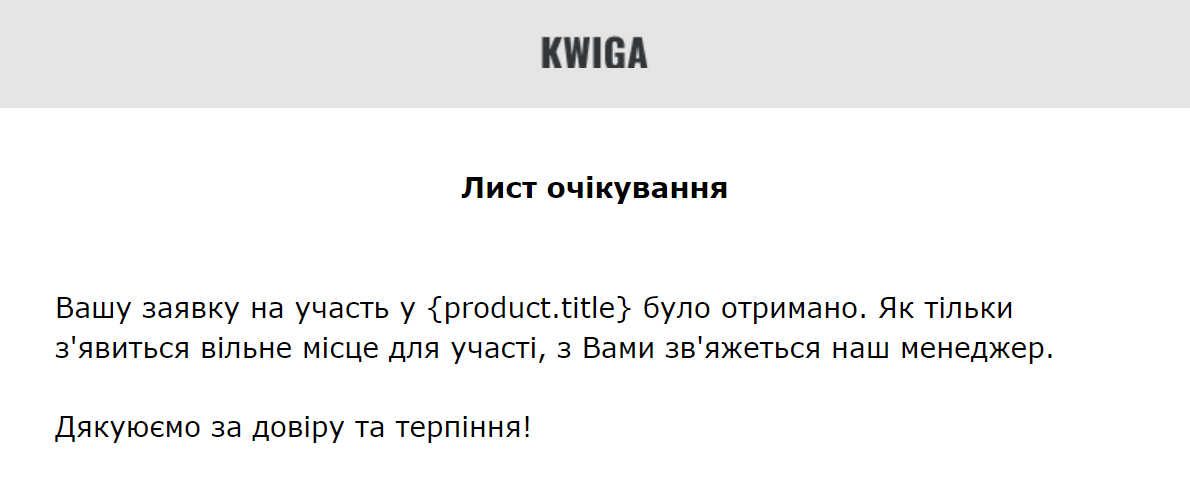
In their profile (on the dashboard), the student will see the course and an inactive Pre-registration button.

How to use the pre-registration list
Whether to use the contacts of students who are on the pre-registration list or not is up to you alone. Potentially, this is an opportunity to expand your client list, since the clients have already shown interest in your product, and you can contact them, send mailings, and inform them about the opening of sales, or ignore such contacts.
Didn't find the answer? Contact the support service via online chat or Telegram