
Funnel automations
Learn how to set up automations triggered by funnel events, transfer orders to CRM, and send leads to external services.
The funnel's Automations section brings together automations that work for the whole funnel: automations triggered by its events, order transfer to CRM, and sending leads to external services. For how the funnel works as a whole, see the article Sales funnels: what they are and how they work.
To open the section:
- Open Courses → Sales settings → Sales funnels.
- Open the funnel and click Automations at the top of the page.
The section consists of three tabs: Funnel automations, Transfer to CRM, and Sending a lead to an external service.
Funnel automations
This tab holds the automations that are triggered by events of this funnel.
- Click Automation.
- Choose an event and, if needed, a funnel step.
- Add conditions and actions as in a regular automation, and save.
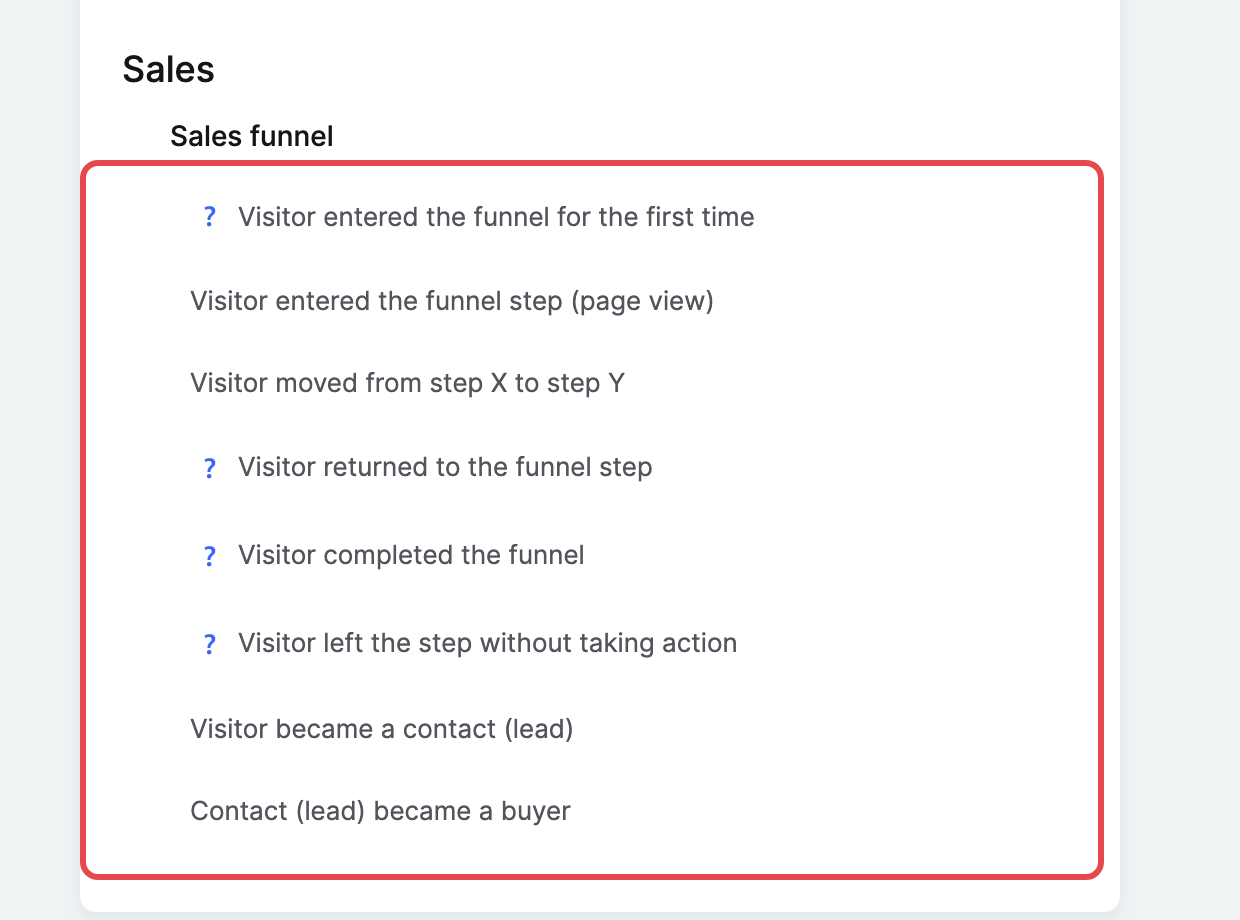
Available events:
- Visitor entered the funnel for the first time — triggers once, when a known contact opens any funnel step for the first time.
- Visitor entered the funnel step (page view).
- Visitor moved from step X to step Y — choose the step the visitor left and the step they moved to.
- Visitor returned to the funnel step — the visitor opened the same step again. For example, you can offer a discount to someone who keeps coming back to the payment page.
- Visitor completed the funnel — the visitor reached the last step.
- Visitor left the step without taking action — the visitor opened a step but didn't move on within the set time.
- Visitor became a contact (lead).
- Contact (lead) became a buyer.
For the Thank you page step, you can choose a specific payment outcome. If an A/B test is running on the step, an automation set up for the step triggers on any of its versions.
Note: events trigger for known contacts. If a person first went through the funnel anonymously, the "Visitor entered the funnel for the first time" event triggers when they leave their contact details.
The wait time for the Visitor left the step without taking action event is set on the step's Settings tab, in the Visitor left the step without the target action block: in minutes, hours, or days. The default is 3 hours.

The same events are also available in the general Automations section — in the Sales funnel module.
Transfer to CRM
In the Order processing block, choose the Default funnel — the CRM funnel that orders from this sales funnel will go to and be distributed across statuses.
Sending a lead to an external service
In the Contact (lead) processing block, set up sending contacts to external campaign services — separately for successful and for failed payments.
Example: a buyer opened the plan selection page but didn't pay. Create an automation for the Visitor left the step without taking action event, choose the Order form step, and add an action — an email with a reminder and a promo code. On the step's Settings tab, set the time to 1 hour: an hour after leaving the page without paying, the buyer will receive the email.
Frequently asked questions
Will the automation run if the visitor hasn't shared their contact details yet?
Events trigger for known contacts. If a person first moves through the funnel anonymously, the "Visitor entered the funnel for the first time" event will trigger when they provide their contact information.
Where can I set the delay before the "Visitor left the step without taking action" event is triggered?
On the step's "Settings" tab, in the "Visitor left the step without completing the target action" section. The time limit is set in minutes, hours, or days; the default is 3 hours.
Will the automation run at the step with an A/B test?
Yes. An automation configured for a step is triggered by any version of that step.
Can I trigger an automation only for a specific payment outcome?
Yes. If the automation is set up for the "Thank you page" step, you can select a specific payment outcome for it.
How can I offer a discount to someone who returns to the checkout page several times?
Create an automation for the "Visitor returned to a funnel step" event and select the checkout page step. The event triggers when a visitor opens the same step again.
Can I set up an automation for funnel events in the main "Automations" section?
Yes, these same events are available in the main "Automations" section – in the "Sales Funnel" module.
Can I send only those who haven't paid to an external service?
Yes. In the "Contact (Lead) Processing" section, you can configure contacts to be sent to external campaign services separately for successful and failed payments.
Thanks for your feedback!
Thanks! We'll update the article. Need an answer now? Contact support